
Tailor measurement software that remembers every customer
Tailoroo replaces the measurement notebook with living customer profiles — 14 GCC-ready templates, 84 measurement points, and reorders that pull the saved profile automatically. In English and Arabic.
Measurements travel with the garment, not the notebook
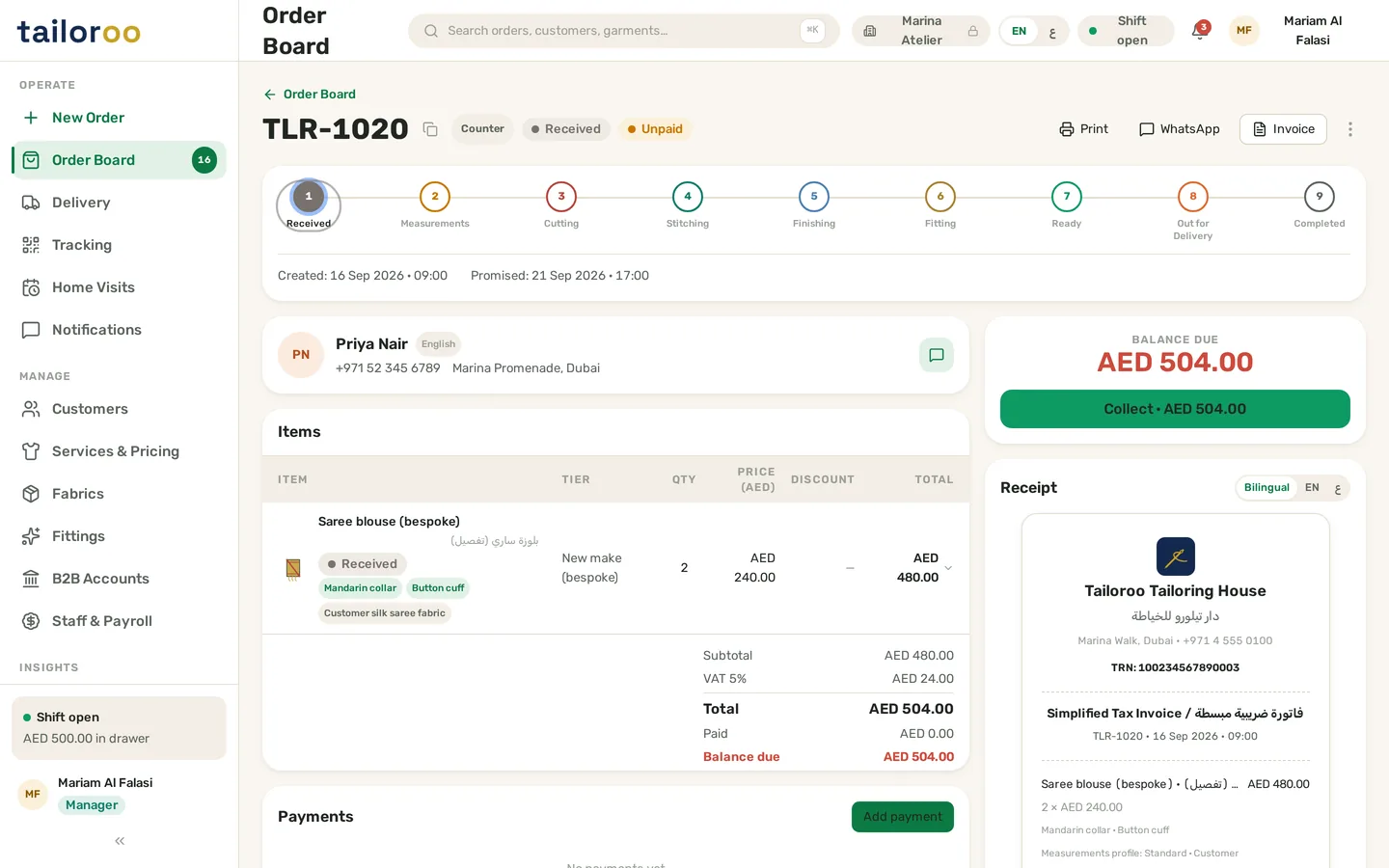
Every garment line on a Tailoroo order carries its own measurement profile and style options — collar shape, cuff, pocket, embroidery — entered once at the counter and visible to everyone after. The cutter opens the order, or prints the measurement sheet, and works from exactly what was agreed.
- Per-garment measurements — a suit and a shirt in one order each keep their own profile
- 28 style options attach at intake, so the fit and the finish are recorded together
- Bilingual point labels — the counter enters in English, the workshop reads in Arabic
- Measurements follow the order through all nine production stages, from cutting table to final fitting
Measure once, reuse forever — and never lose the old numbers
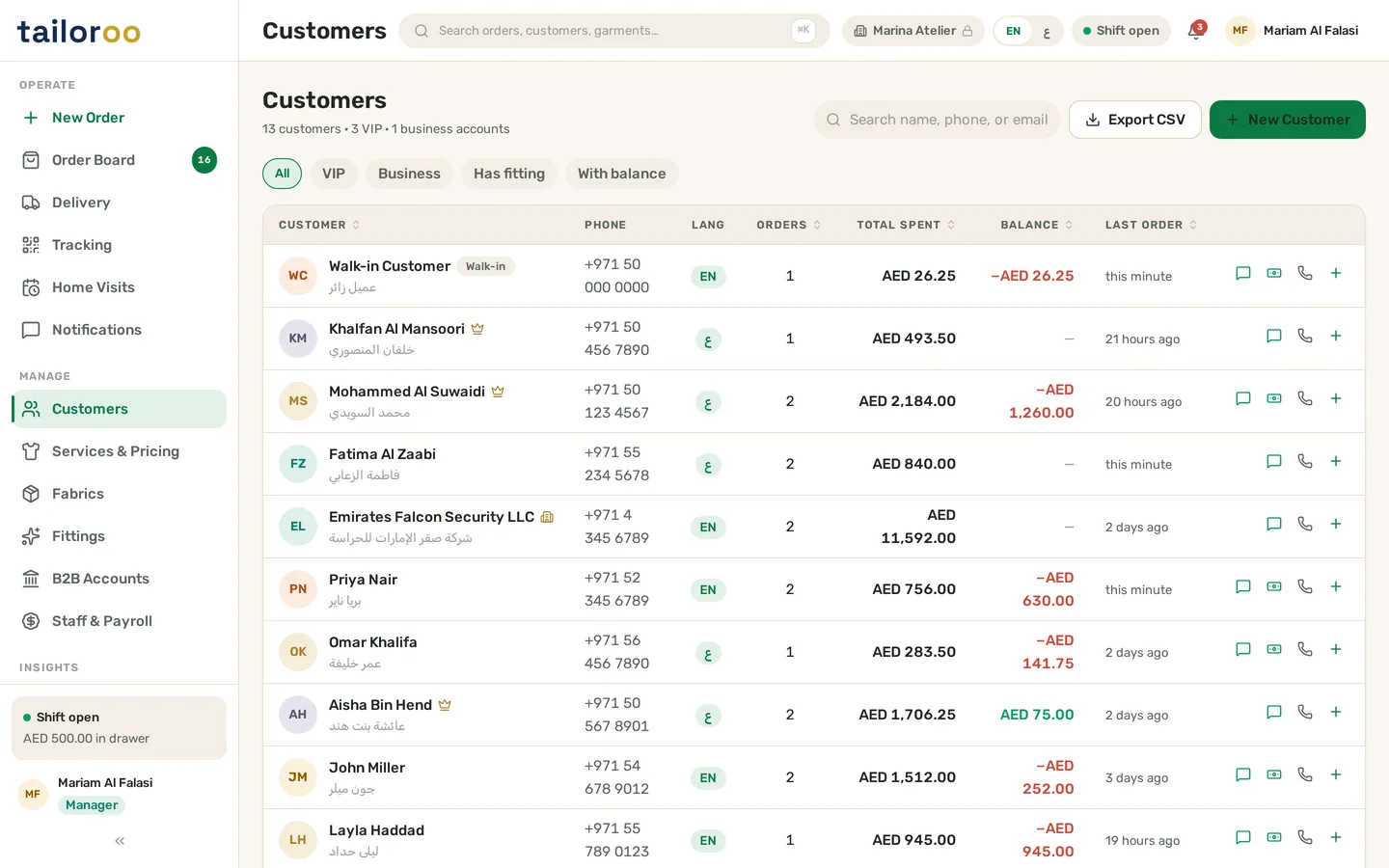
Each customer keeps a measurement profile per garment type — their kandura numbers separate from their suit numbers. A reorder pulls the saved profile automatically, the counter confirms it, and the ticket is done in seconds. When numbers change, the history keeps what came before.
- One profile per garment type per customer — kandura, abaya, suit, sherwani, each with its own saved points
- Reorders auto-fill from the profile — adjust only what actually changed
- Version history on every update — after a weight change or alteration, the previous measurements stay on record
- Profiles link straight to fitting appointments, so the final fitting always works from the latest numbers
Built the way Gulf ateliers actually measure
From a first bespoke kandura to a regular’s tenth reorder — these are the details that make measurements an asset instead of a chore.
14 ready measurement templates
Bespoke kandura, Emirati premium kandura, thobe, bisht, jalabiya, abaya, suit, blazer, shirt, trousers, sherwani and saree blouse — the GCC catalog is pre-loaded, not something you build yourself.
84 measurement points
Across the 14 templates, every point a Gulf cutter expects is there — collar, chest, waist, hip, sleeve, shoulder, kandura length, bisht fall — each named in English and Arabic.
Per-customer overrides
A template is the starting point, never the ceiling. Adjust any point for one customer only — the master template stays clean for everyone else.
Reorders pull the profile
When a regular orders a second kandura, the saved measurement profile fills in automatically. The counter confirms, adjusts if needed, and moves on — no re-measuring ritual.
Version history
Measurements change — weight changes, a post-alteration adjustment, a growing teenager. Every update is saved as a new version with the old ones kept, so you can always see what changed and when.
Print for the cutter
The full measurement sheet prints with the work ticket — garment, style options and every point — so the cutting table works from paper exactly as the counter entered it.
Measurement software questions
Can I change a measurement template for one customer without affecting others?
What happens when a customer’s measurements change?
Do measurements appear on the order the workshop sees?
Works with the rest of Tailoroo
Measurements are the foundation — these features build straight on them.
Fittings & appointments
First and final fittings with reminders, no-show tracking and full history per order.
Explore →Order management
Bespoke orders with per-garment measurements, style options and a live production board.
Explore →Production workflow
Nine stages from Received to Completed — measurements travel with the garment through every one.
Explore →Ready to run a smarter tailoring shop?
Book a free demo and see Tailoroo handle orders, measurements, fittings and VAT invoicing for your shop — or explore the live demo yourself.